How to set up a Mailgun sending domain
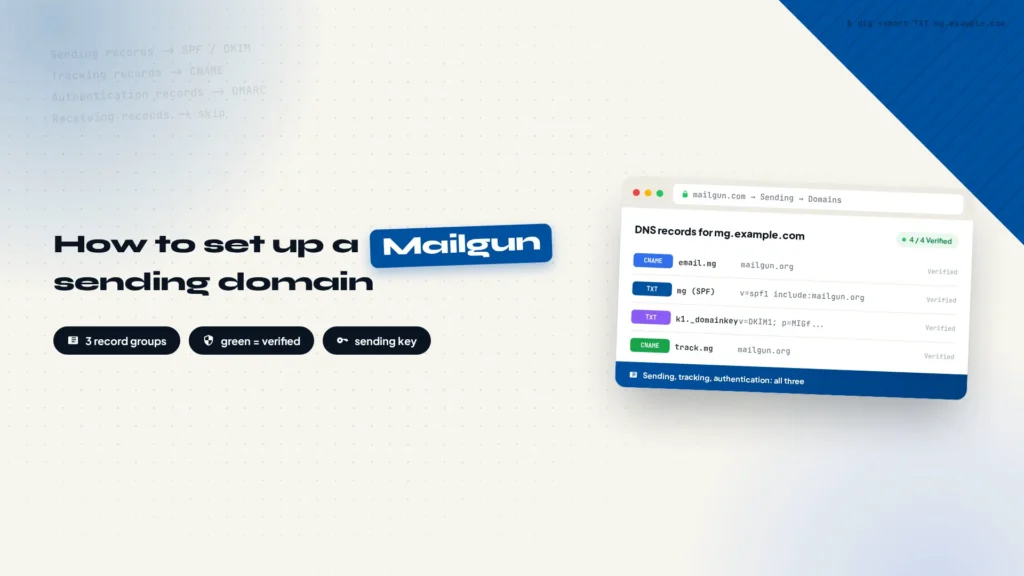
Mailgun will not send from your main domain until you add a sending domain and prove ownership with DNS records. This walkthrough covers the Add new domain form, the Sending, Tracking, and Authentication record groups, why Receiving records should be left alone, how long verification takes, and how to create a sending key, test it with one curl command, and hand it to your automation.
Enterprise AI in practice: how to build an AI agent-driven customer acquisition system
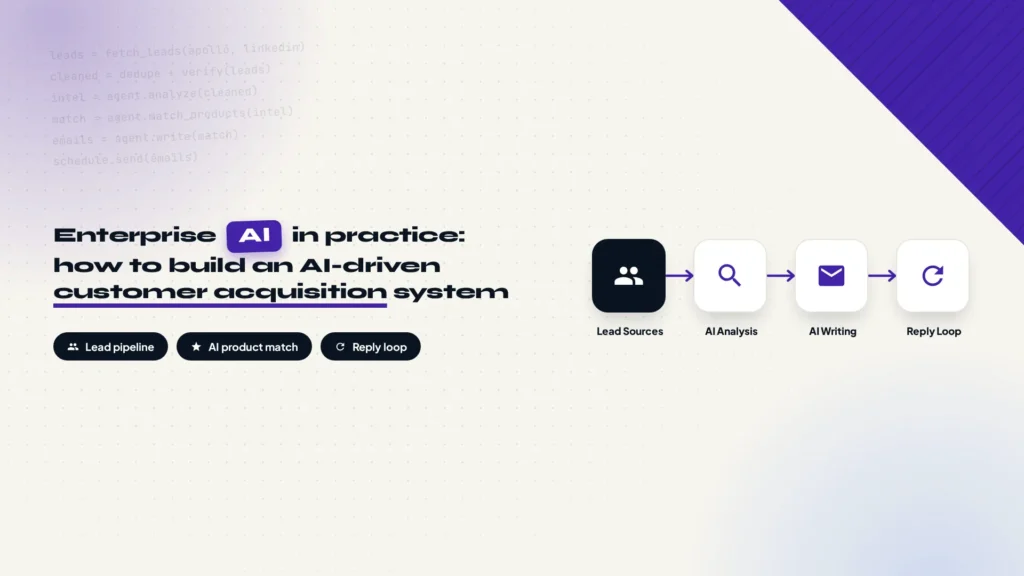
A real enterprise project, broken down end to end: sourcing and cleaning leads, giving the AI agent a company knowledge base, matching products to prospects, generating and sending outreach emails, handling replies, and using Codex and Claude Code to build the whole system under control. The full development SOP at the end can be used as a reference or handed directly to Codex, Claude Code, and other coding agents as a build guide.
What are IMAP, POP, and SMTP?
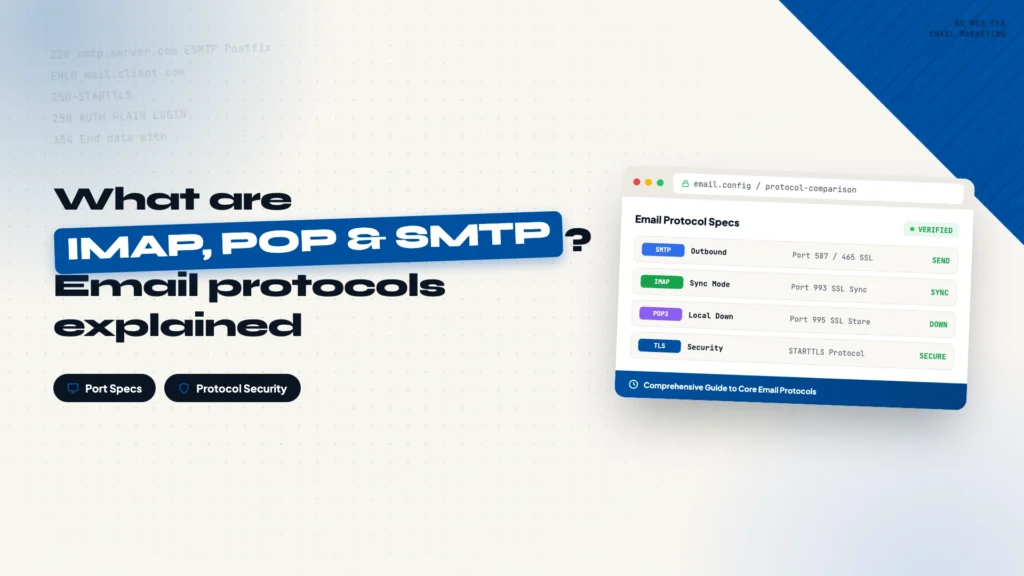
This article explains what IMAP, POP3, and SMTP do: which protocols receive email, which one sends it, and whether messages stay on the server or download to your device. It also includes an IMAP/SMTP server and port table for common providers, so you can copy the values when linking a mailbox.
What Are SPF, DKIM, and DMARC? How to Configure Email Authentication in Cloudflare
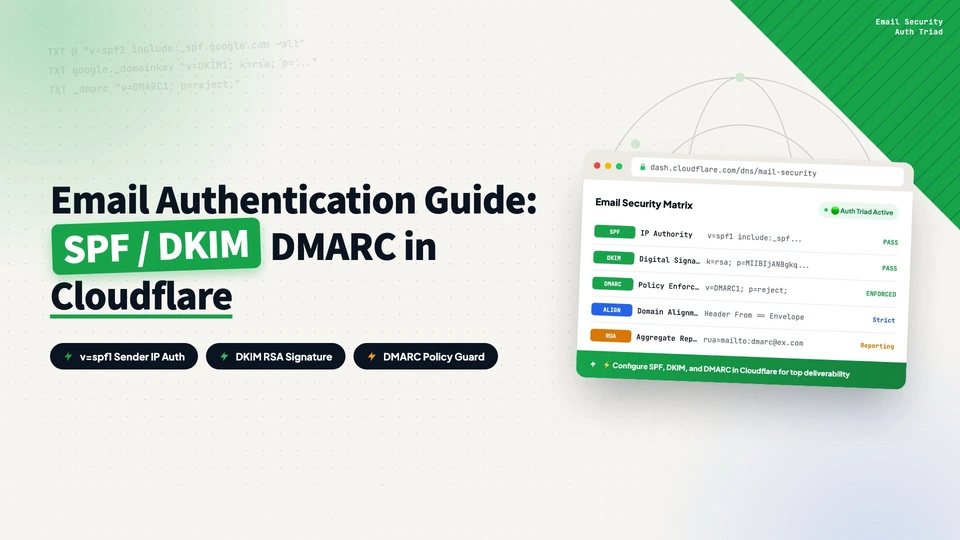
SPF, DKIM, and DMARC are the three DNS-based checks that prove your sending domain is legitimate. This article explains what each record does, how to add the TXT or CNAME records in Cloudflare DNS, and how to verify them by sending a test email to Gmail and looking for spf=pass, dkim=pass, and dmarc=pass.
How to set up Apollo email marketing from signup to automated sequences
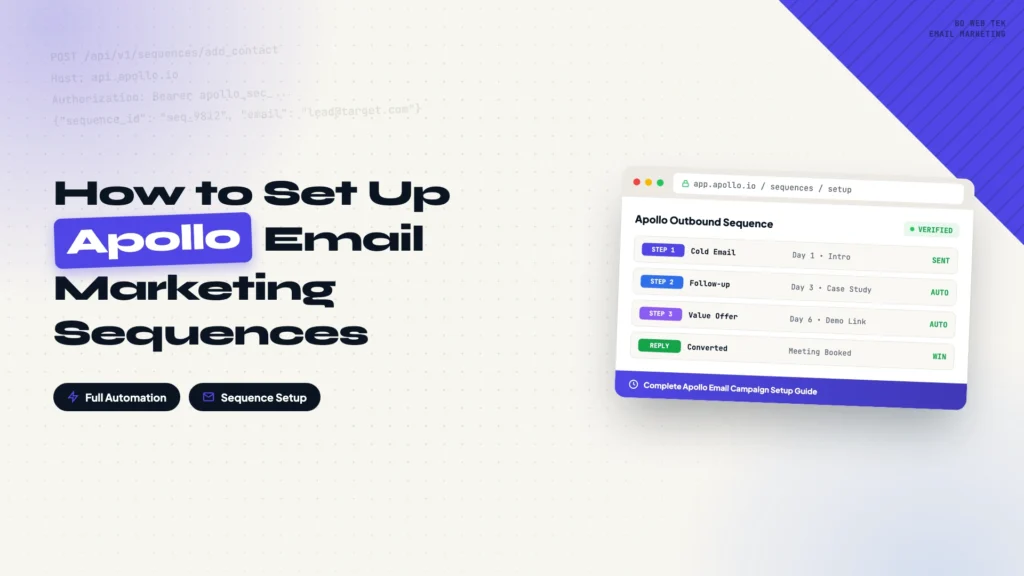
This guide walks through the complete Apollo email marketing setup: registering an account, connecting a sending mailbox, warming it up, verifying domain authentication records, filtering for target prospects, and building a five-step cold email + LinkedIn sequence. Every step includes a screenshot, so you can follow along even on your first attempt. The flow ends by connecting your contact list to the sequence so the whole system runs on its own.
I use Gmail Authentication-Results to tell whether a test email will hit spam
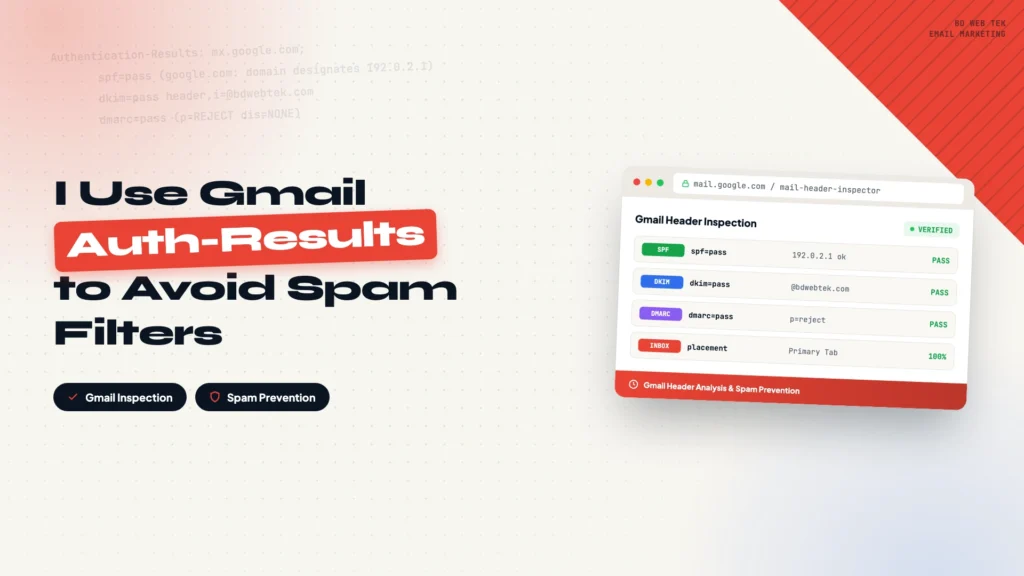
Send a test email to your Gmail account and read the Authentication-Results header to check whether SPF, DKIM, and DMARC all pass. This post explains how to read each of the three results, why everything can pass and mail still lands in spam, and how Authentication-Results compares with Google Postmaster Tools. It also covers the best practices that improve inbox rates once the authentication layer is solid, in a practical order.