TTL (Time To Live) controls how long a DNS record stays cached, which sets how fast a nameserver switch takes effect across the internet. This short post explains what TTL is, why you should lower it to 300 a day or two before a DNS migration, how to make the change, and when to raise it back afterwards.
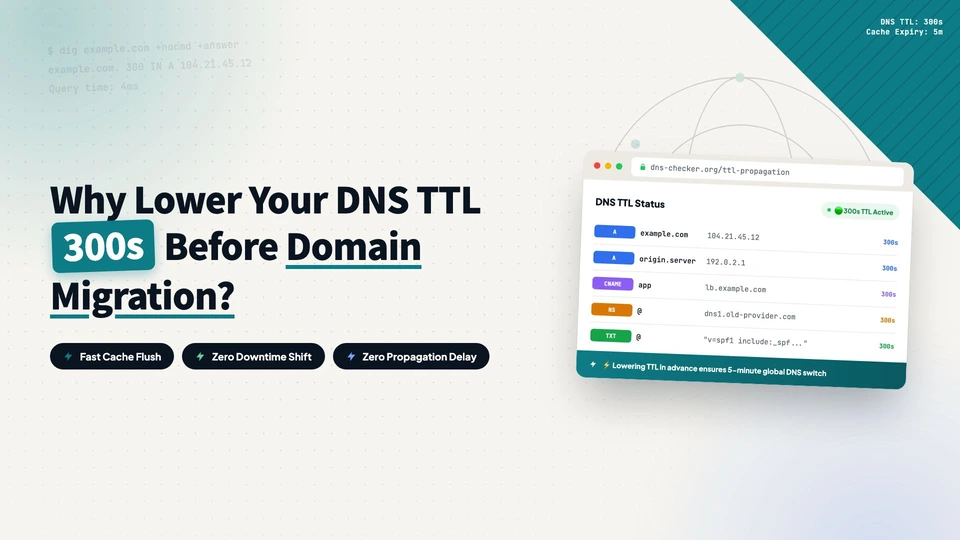
TTL (Time To Live) is the lifetime of a DNS record. When someone types a domain into a browser, the local DNS resolver caches the answer for a while, and that while is the TTL. Set it to 86400 and the answer can be cached for a day; set it to 300 and it is cached for five minutes.
Caching is what makes DNS fast, but it is also what gets in the way during a migration. After you switch nameservers, the old answers don’t disappear right away. They stay until the cached copies expire. With a one-day TTL, it can take up to 24 hours for users in different regions to consistently reach the new configuration. Lowering the TTL beforehand shrinks that window from a day to a few minutes.
How to lower the TTL before a migration
A day or two before the planned switch, open your current DNS panel and change the TTL of A, AAAA, CNAME, MX, and TXT records to 300 (or even 60), then wait for the change to take effect. That gives old resolvers time to refresh their caches and pick up the new TTL.
Then switch nameservers as you normally would. Because the TTL is small, most users resolve to the new configuration quickly.
Raise the TTL back after the migration
Once the new nameservers have run stably for a day or two and resolution and email both look correct, set the TTL back to its original value (3600 or 86400 are common). A tiny TTL means more queries, so there is no reason to keep it at 300 permanently.
Lowering the TTL is not strictly required, but it shrinks the risk window from a day to a few minutes. If something goes wrong and you need to roll back, the small TTL also makes the rollback faster. It’s a few number changes in a panel, and it takes under two minutes. If you are planning to move your DNS to Cloudflare, the full walkthrough is in this post.
every Thursday.
Hosting reviews, builder comparisons, performance tips, and plugin picks — curated weekly for WordPress site owners and builders.