How to configure DNS records in Cloudflare and Alibaba Cloud
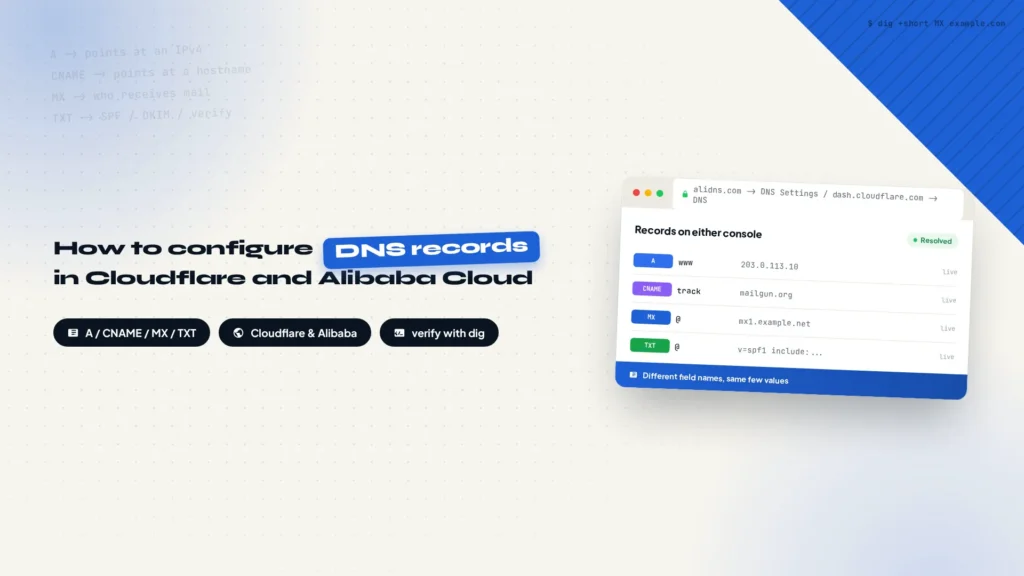
A wrong DNS record rarely announces itself as a DNS problem. The site will not load, mail never arrives, or a certificate refuses to issue. This guide explains what A, AAAA, CNAME, MX, TXT, NS, CAA, and SRV records each do, then shows how to add, edit, and verify them in Alibaba Cloud DNS and Cloudflare, including the fields each console asks for and the mistakes that break resolution most often.
Deploy WordPress for Near-Instant Loading with Nginx FastCGI Cache, OPcache and Redis
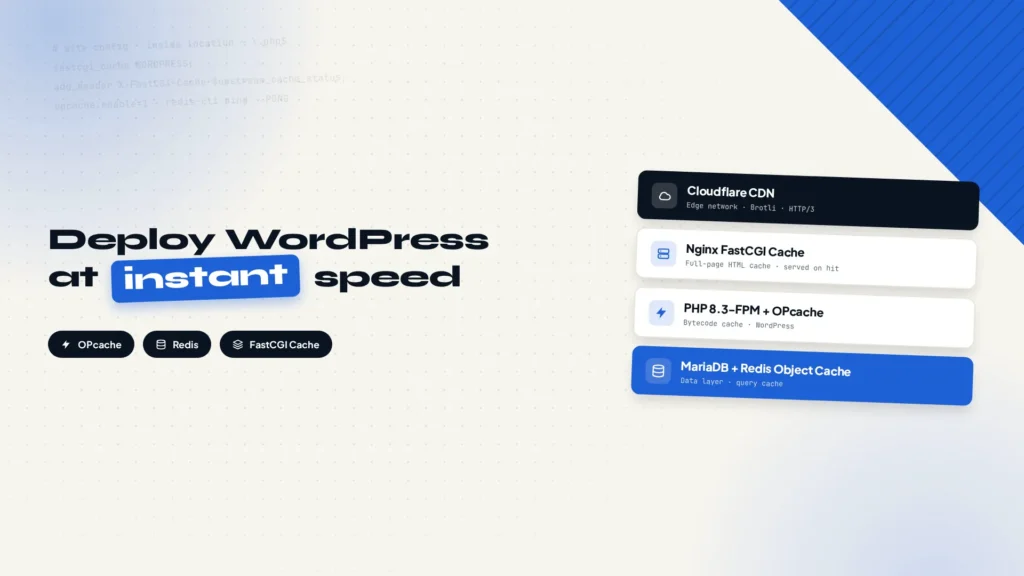
WordPress speed is not just a plugin problem. This guide deploys caching at every layer of a Linux VPS: OPcache for compiled PHP, Redis for database results, Nginx FastCGI Cache for full-page HTML, plus Cloudflare CDN on top. Every configuration is copy-paste ready, and a small 2-core 2 GB VPS can serve pages close to instantly.
How to harden your WordPress site from login protection to Cloudflare Security Rules
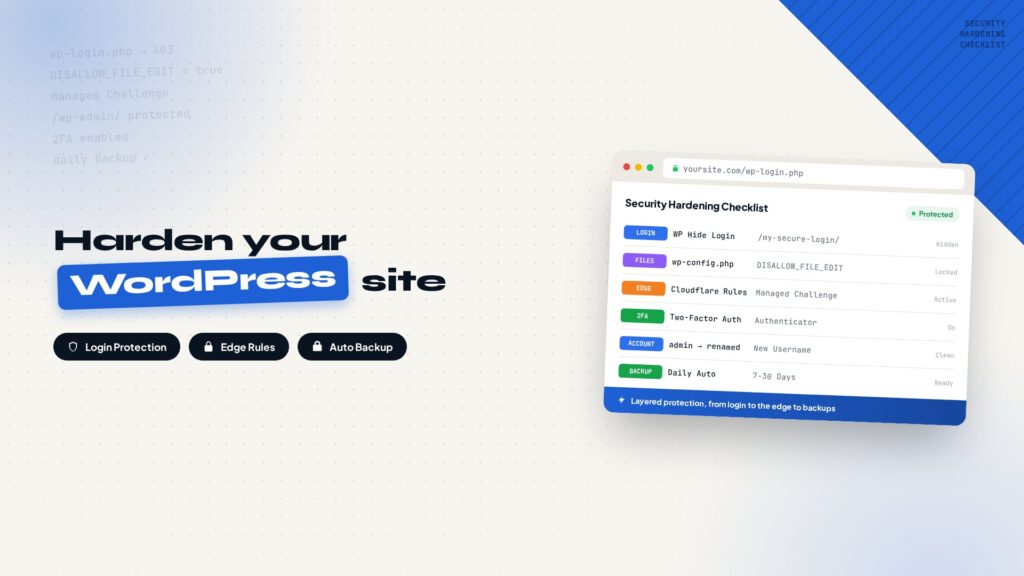
Most WordPress sites get hacked because default settings expose too many attack surfaces, not because WordPress itself is insecure. This guide walks through six lightweight hardening steps: hiding the login URL, disabling dashboard file editing, setting up four Cloudflare Security Rules, enabling 2FA, cleaning up the default admin account, and keeping automatic backups.
How to build a WordPress website that works natively with AI agents
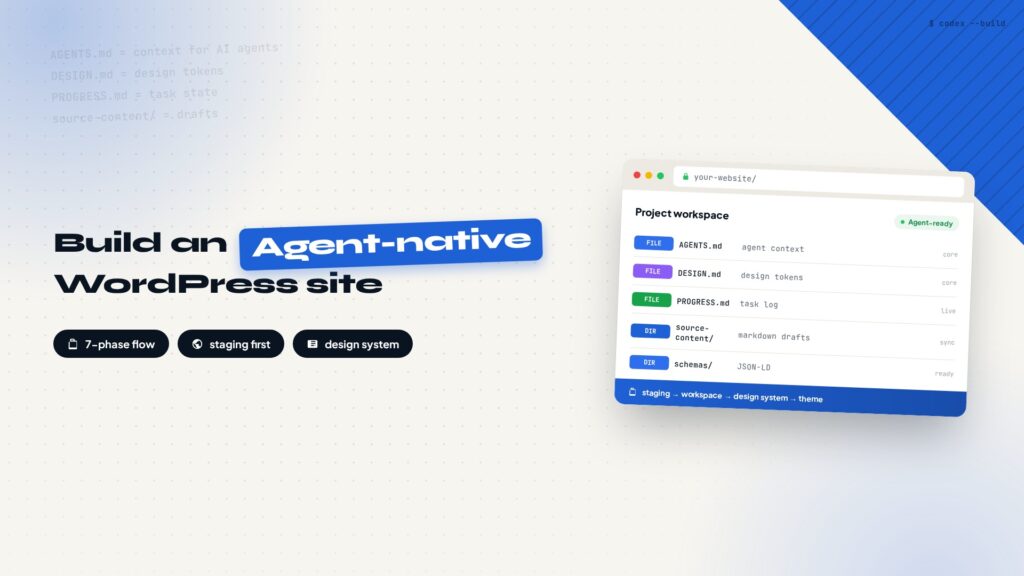
Generating a page with an agent is easy; maintaining a whole WordPress site with one is a different problem. This post turns the process into a repeatable workflow: prepare staging, set up the project workspace and AGENTS.md context, build the design system, review locally, engineer the theme, configure SEO and structured data, accept on staging, and ship to production. Eight phases from first server to long-term maintenance, including the release checklist and the maintenance cadence that keeps an agent-maintained site stable.
How to set up HTTP security headers on Cloudflare without touching your code
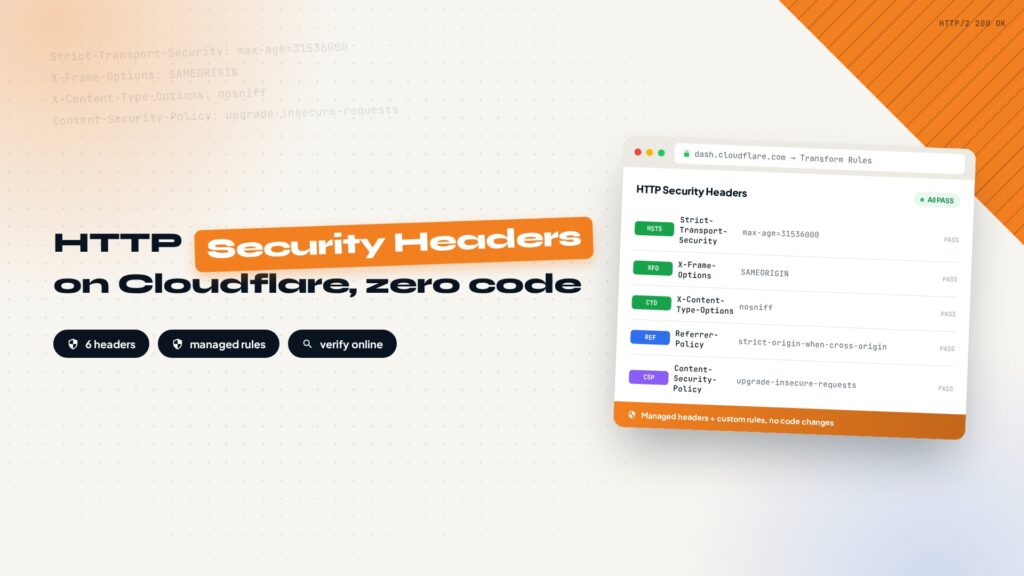
Security headers are HTTP response headers that make the browser load your site more safely, blocking clickjacking, MIME sniffing, and other common attacks without touching your code. This post covers the six most common headers (HSTS, X-Frame-Options, CSP, and more), then walks through the Cloudflare setup: managed security headers, a custom response header transform rule with Set Static, and verification with SecurityHeaders.com.
How to Create a Subdomain in Cloudflare
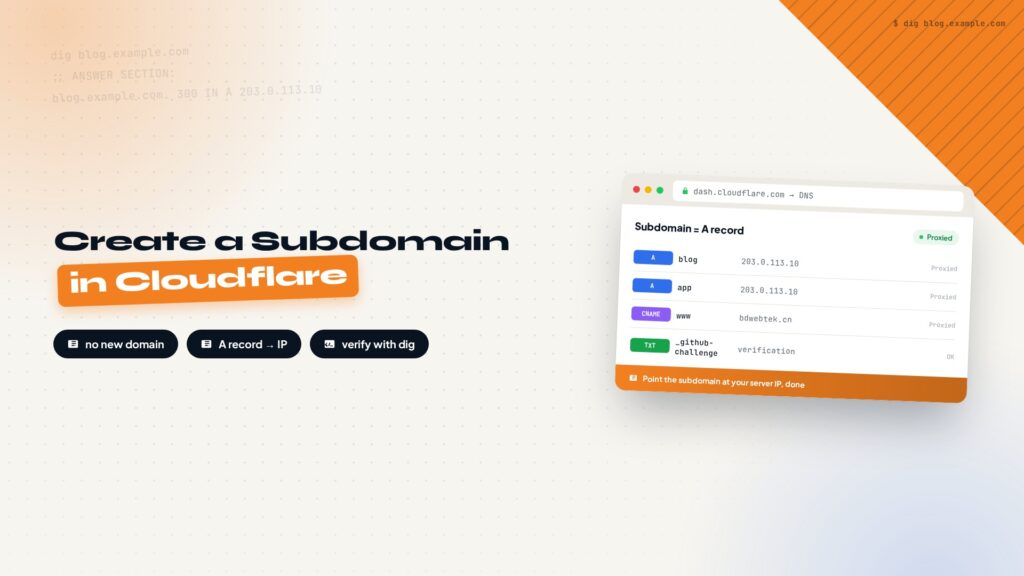
A subdomain is just a DNS record. This guide walks through creating one in Cloudflare: add an A record, point the subdomain at your server IP, save, and verify. The same steps apply in other DNS control panels.
How to Register Domain and Set Up DNS on Namesilo Namecheap and Godaddy?
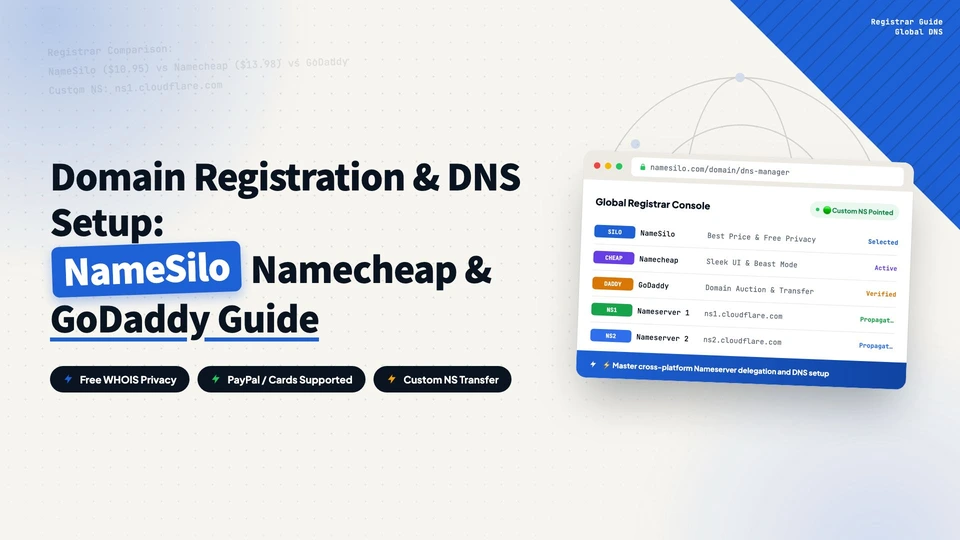
Register a domain and set up DNS on NameSilo, Namecheap, and GoDaddy. Covers A records and custom nameservers, with screenshots and a comparison table to help you point your domain at your host.
How to Block IP Address in WordPress?
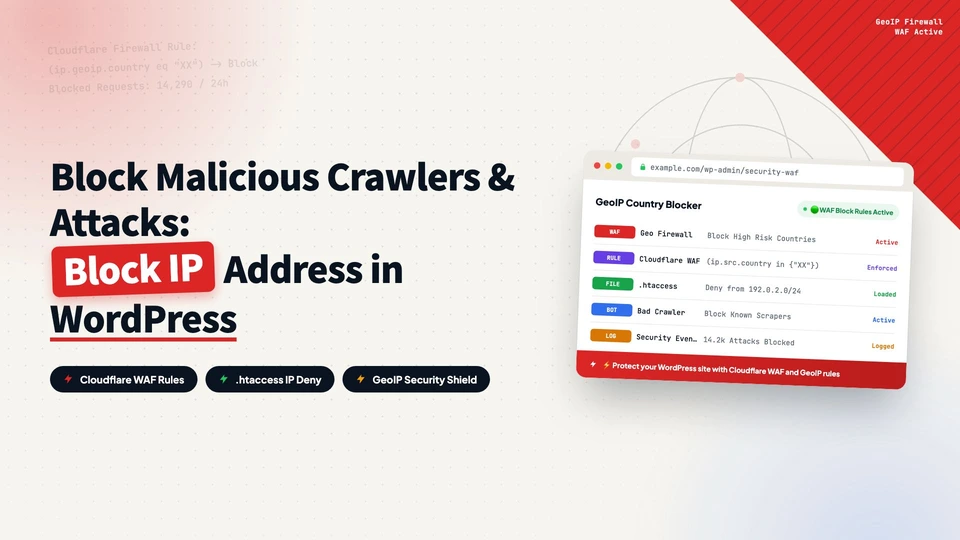
Block country IPs in WordPress with the .htaccess method: download an IP list from IP2Location, paste it into .htaccess on Hostinger, and deny access by country. Works on any Apache-based host.
15 Tricks to Optimize WordPress Website Speed
From the five core PageSpeed metrics (FCP, LCP, TBT, CLS, SI) to 15 practical speed tricks for WordPress: server choice, plugin discipline, image compression and WebP, object cache, CDN, lazy loading, and page cache.
How to Buy Hostinger and Set Up WordPress: A Complete Step-by-Step Guide
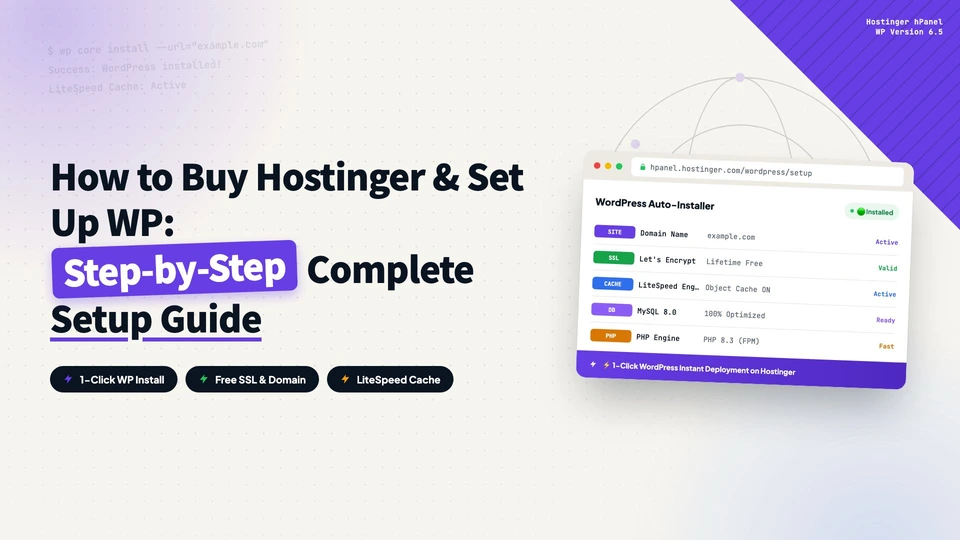
Buy the Hostinger Business + AI plan ($3.99/mo for 48 months + 3 months free), register a $0.01 domain, install WordPress with one click, run the initial setup, and pick a theme. Zero to a live site in 30 minutes, with an exclusive 20% discount link.