Hostinger WordPress Hosting Guide: Which Plan Is Right for You?
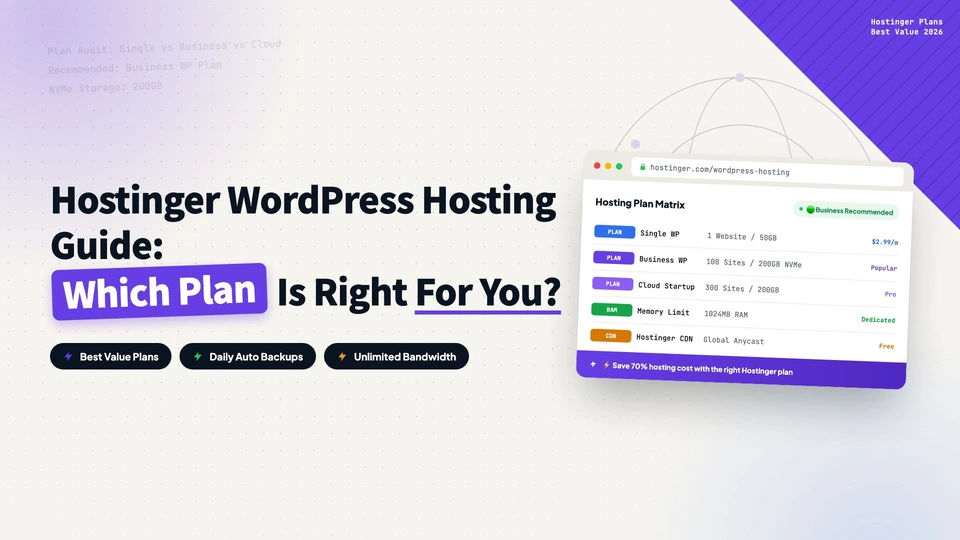
A complete guide to Hostinger’s WordPress hosting plans: Premium, Business + AI, and Cloud Startup + AI. Compare features, pricing, and performance, then choose by website count, site type, and technical needs. Includes an exclusive 20% discount link.
How to Install Hello Elementor Theme: Your First Step to Building with Elementor
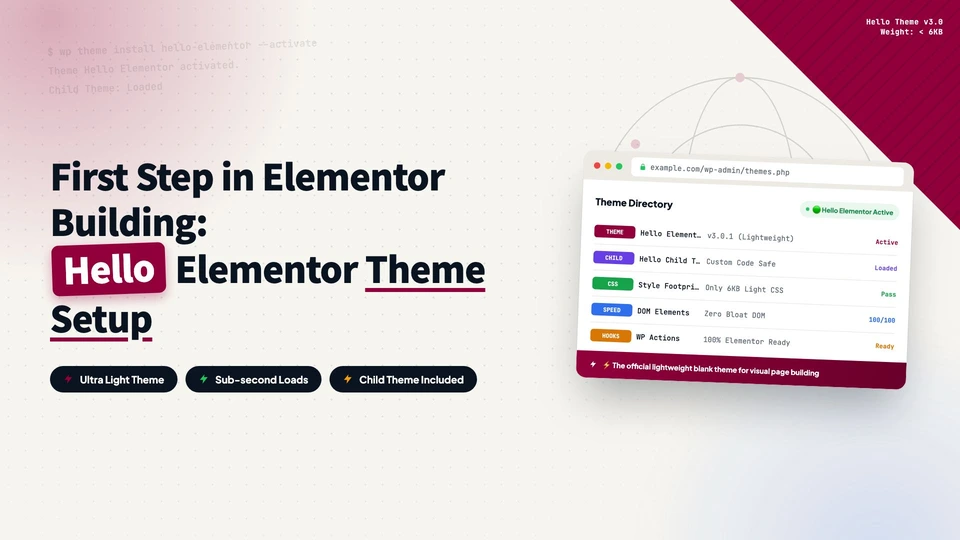
Why Hello Elementor wins on compatibility and performance, how to install and activate it, delete default themes, and set up a child theme to protect your customizations from future updates.
How to Install Elementor: Free vs Pro, Features, and Setup Guide
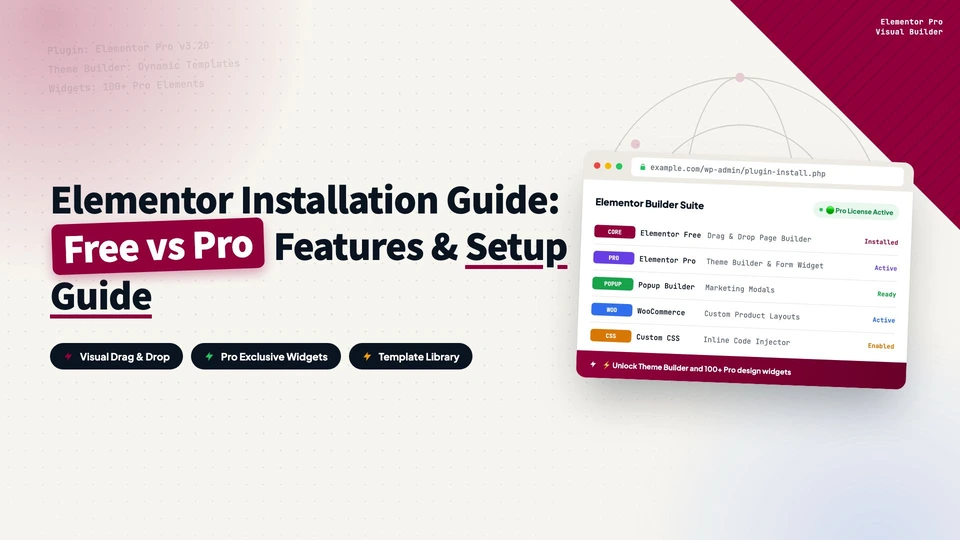
What Elementor is, a detailed free vs Pro comparison (Theme Builder, Popup Builder, Form Builder, WooCommerce Builder, dynamic content), and step-by-step install instructions for both the free plugin and Elementor Pro via ZIP upload.
Why lower your DNS TTL to 300 before a migration?
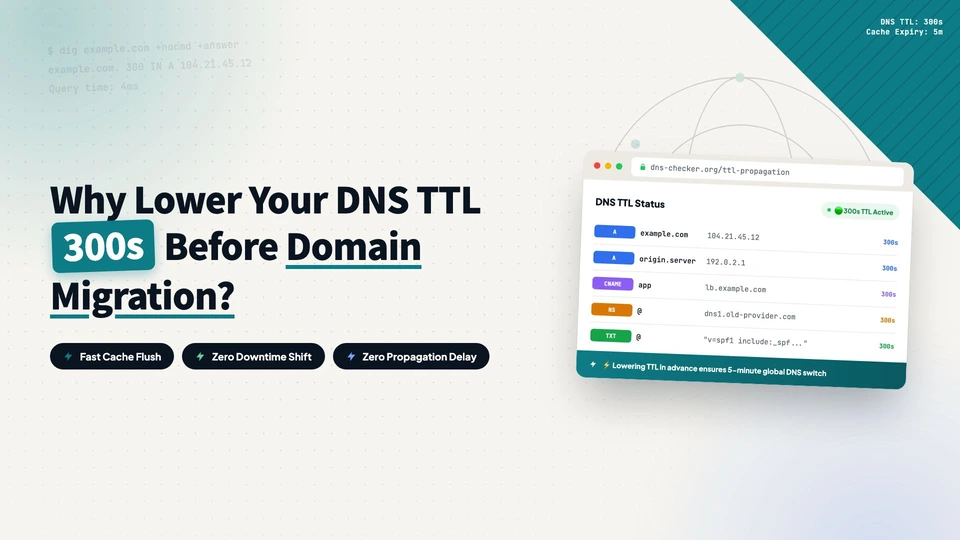
TTL (Time To Live) controls how long a DNS record stays cached, which sets how fast a nameserver switch takes effect across the internet. This short post explains what TTL is, why you should lower it to 300 a day or two before a DNS migration, how to make the change, and when to raise it back afterwards.
Why Experienced Developers Prefer Hosting DNS on Cloudflare
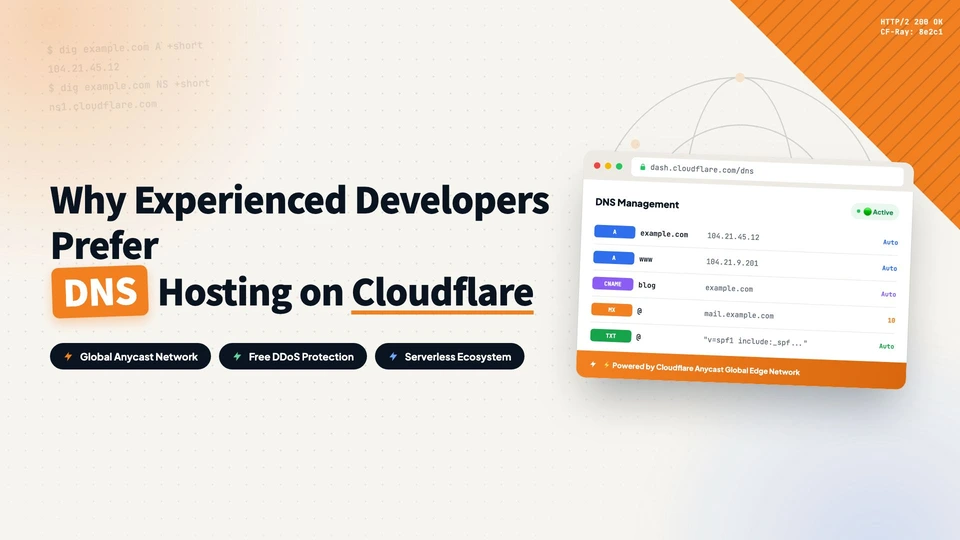
Experienced developers don’t always register domains at Cloudflare, but they often move their DNS there. This post explains the difference between domain registration and DNS hosting, why Cloudflare became the default choice for developers (anycast speed, a cleaner management panel, and CDN/SSL/security integration), and how to migrate DNS records step by step without breaking email. It also covers lowering TTL before the switch, DNSSEC, and the most common migration questions.
How To Improve Website Performance Using Cloudflare R2 Object Storage For Free
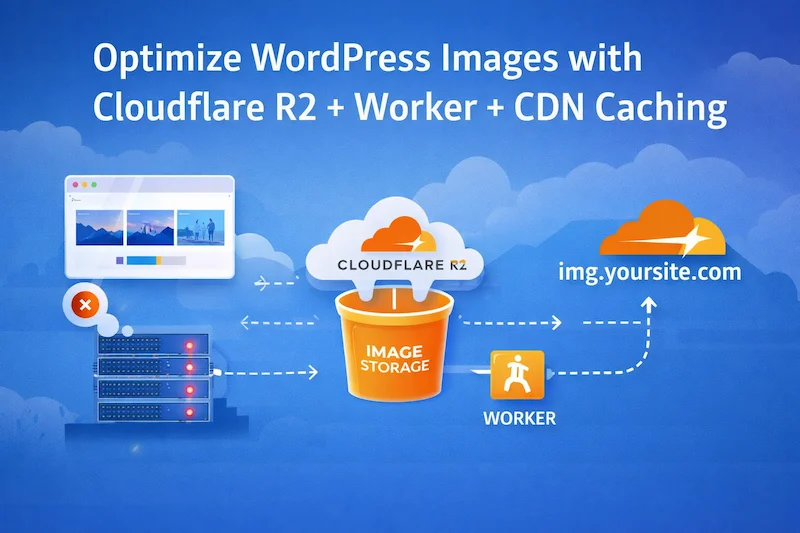
This guide solves the problem of image-heavy WordPress sites slowing down origin servers by moving image delivery to Cloudflare R2, serving assets through a Worker, and applying long-term CDN caching to reduce load and improve performance.
How to Deploy a WordPress website Using Hostinger?
Deploying a WordPress website using Hostinger is a straightforward process, perfect for beginners. Start by purchasing a domain and choosing a Hostinger hosting plan, such as the Business plan for optimal features. After setting up your account and completing payment, log in to Hostinger and begin the website setup. Select WordPress as your platform, create a username and password, and choose your website type. Install WordPress and configure DNS settings through your domain registrar, like Alibaba Cloud. Finally, block search engines from indexing your unfinished site by uploading a robots.txt file to your server. This ensures a smooth start to your WordPress site deployment.