The 15 most useful Google search operators explained one by one: site, intitle, inurl, related, filetype, OR, AND, AROUND, and more. Each operator comes with a real search example and a plain-language explanation of the results, for checking index status, competitor analysis, and keyword research.
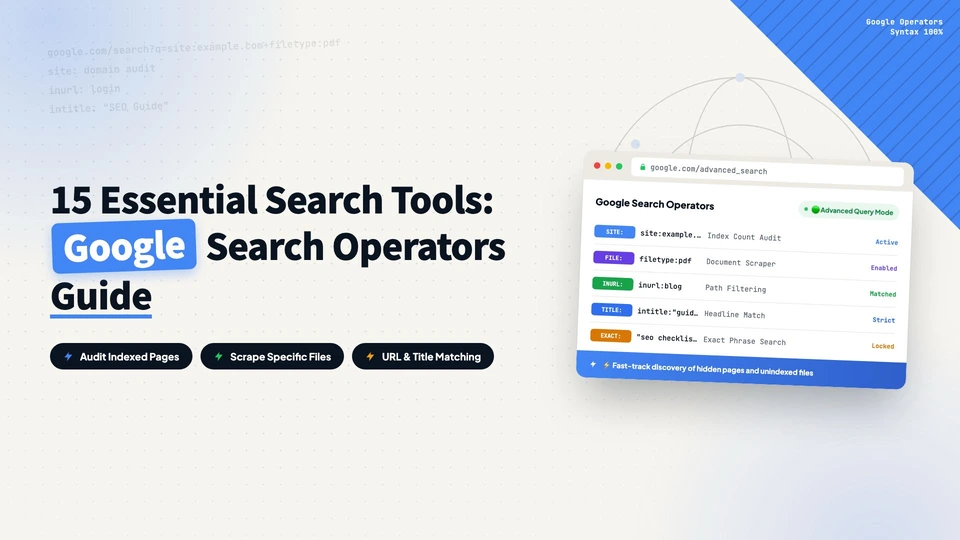
When you’re doing SEO, knowing Google search operators saves a lot of time. They let you check how your own site and competitors are indexed, pinpoint specific content, and support keyword research. Here are the 15 most useful operators, each with a real example.
1. site: check which pages are indexed
site: shows how many pages of a domain Google has indexed. It also helps diagnose indexing problems and see a competitor’s coverage. Search site:google.com:

The result is every indexed page on google.com. If the count is far below the site’s actual page count, some pages aren’t being indexed and worth investigating.
2. intitle: restrict by title keyword
intitle: finds pages whose title contains a specific keyword, to verify your title strategy or see which words competitors target in their titles. Search intitle:seo site:google.com:

The result is pages with SEO in the title that belong to google.com.
3. inurl: restrict by URL keyword
inurl: finds pages whose URL contains a specific keyword, to check URL structure and see how competitors use keywords in URLs. Search inurl:blog site:google.com:

The result is pages with blog in the URL that belong to google.com.
4. allintitle: multiple keywords in the title
allintitle: finds pages whose title contains several keywords at once, useful for checking multi-keyword title strategies. Search allintitle:seo marketing:

The result is pages with both SEO and marketing in the title.
5. allinurl: multiple keywords in the URL
allinurl: finds pages whose URL contains several keywords. Search allinurl:seo marketing:

The result is pages with both SEO and marketing in the URL.
6. related: find similar websites
related: discovers websites similar to a given domain, handy for mapping who competes in your niche. Search related:google.com:

The result is other websites related to google.com.
7. filetype: search by file format
filetype: restricts results to a format like PDF or DOCX, to confirm important documents are indexed. Search site:google.com filetype:pdf seo:

The result is PDF files containing SEO on google.com.
8. info: view website information
info: shows details about a domain, including cached pages, similar sites, and links. Search info:google.com:

The result is detailed information about google.com.
9. Minus sign (-): exclude unwanted words
The minus sign excludes pages containing a keyword, narrowing the results. Search site:google.com -blog:

The result is pages on google.com that don’t contain blog.
10. Asterisk (*): wildcard search
The asterisk acts as a wildcard matching one or more words, useful when you don’t know the full phrase. Search site:google.com seo * services:

The result is pages on google.com where one or more words sit between SEO and services.
11. Quotation marks (“”): exact phrase match
Wrapping a phrase in double quotes returns only exact matches. Search “seo services”:

The result is pages containing the exact phrase SEO services.
12. OR: match any keyword
OR broadens the search to match any of the keywords. Search seo OR marketing:

The result is pages containing SEO or marketing.
13. AND: match all keywords
AND requires all keywords to appear on the page, ensuring relevance. Search seo AND marketing:

The result is pages containing both SEO and marketing.
14. AROUND(n): two words within n words of each other
AROUND(n) does proximity search: the two keywords can be no more than n words apart, which implies stronger topical relevance. Search seo AROUND(3) marketing:

The result is pages where SEO and marketing are at most 3 words apart.
15. Double dots (..): numeric range search
Double dots specify a numeric range, like price or year. Search seo services 100..500:

The result is pages mentioning SEO services with a price between $100 and $500.
The site:, intitle:, and inurl: group is also handy for manually checking a competitor’s keyword layout; combined with keyword research, it helps you decide which terms are worth targeting.
every Thursday.
Hosting reviews, builder comparisons, performance tips, and plugin picks — curated weekly for WordPress site owners and builders.