Enterprise AI in practice: how to build a custom SEO monitoring and optimization system (SEO Copilot)
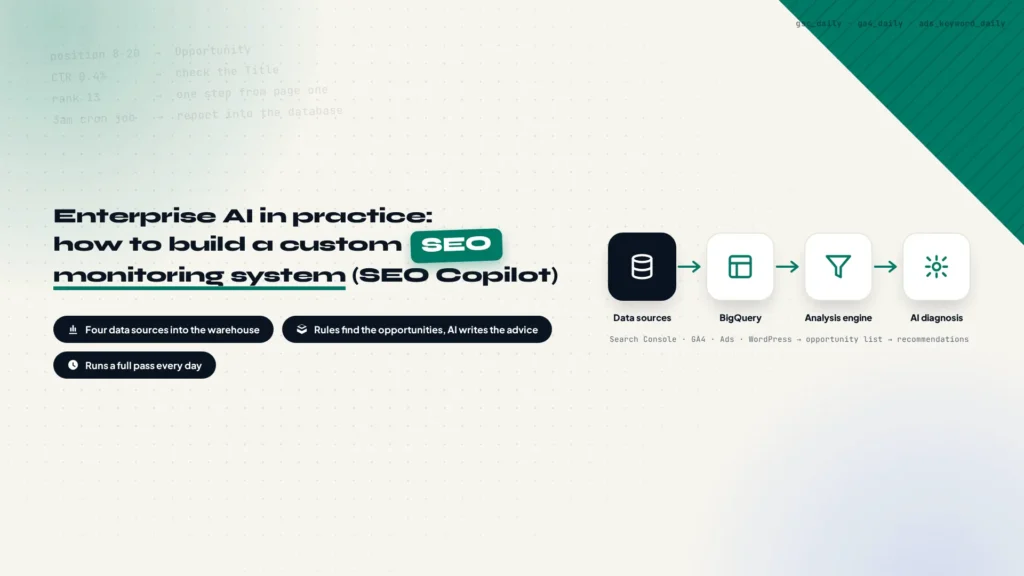
This article documents how a cross-border business can build an SEO Copilot: from defining the SEO problems and preparing infrastructure to connecting Search Console, GA4, Google Ads and WordPress data, then producing actionable recommendations. A complete development SOP is included at the end for reference or as a direct guide for an AI Agent.
How to Create a BigQuery Service Account for Your AI Agent
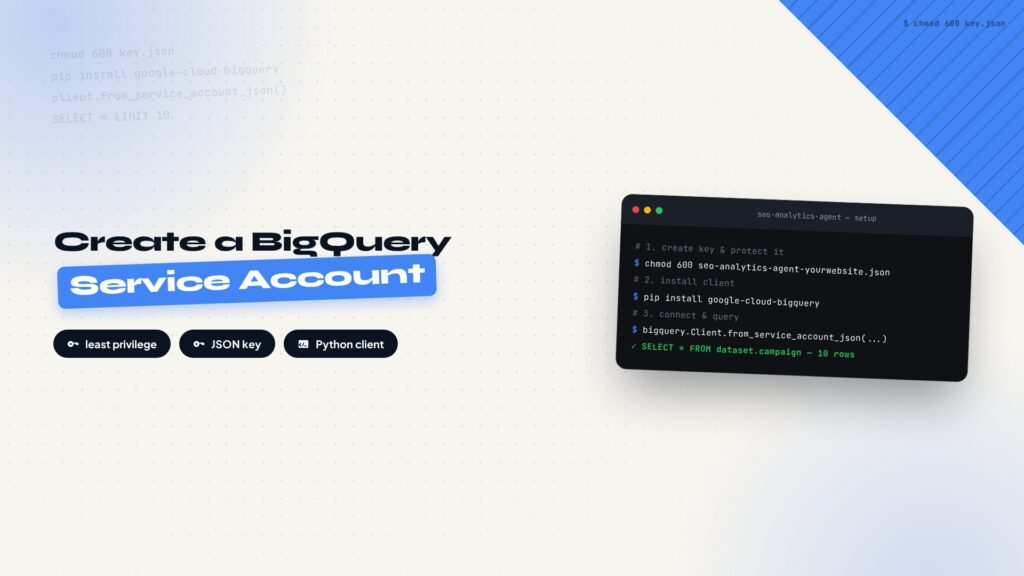
Once Search Console, GA4, and Google Ads data are in BigQuery, an AI Agent on a VPS needs a machine identity to read it. This guide covers confirming the BigQuery API, creating a Service Account, granting the minimum roles, generating a JSON Key, and verifying access with a Python script.
Is Your Brand Missing From AI Search? I’m Building My Own Visibility Monitor
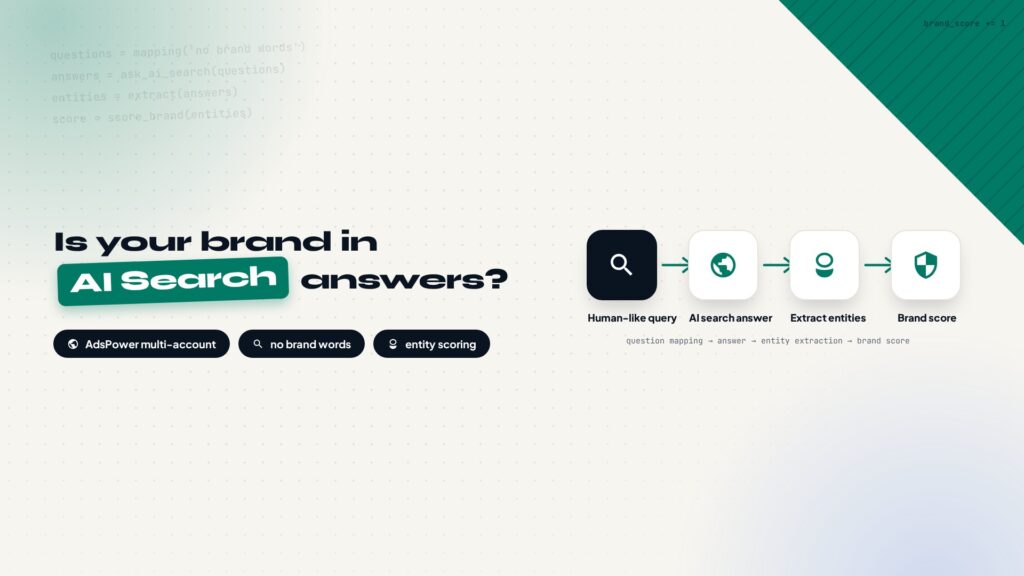
More people discover brands through AI chat answers than ever, but tracking whether your brand shows up there is expensive with off-the-shelf tools. This post lays out a DIY concept: accounts across ChatGPT, Perplexity, Gemini, and Claude Code, an AdsPower fingerprint browser to keep them isolated, daily batch questions that never mention your brand, and entity extraction from the answers to score your visibility over time.
How to Export Google Ads Data to BigQuery
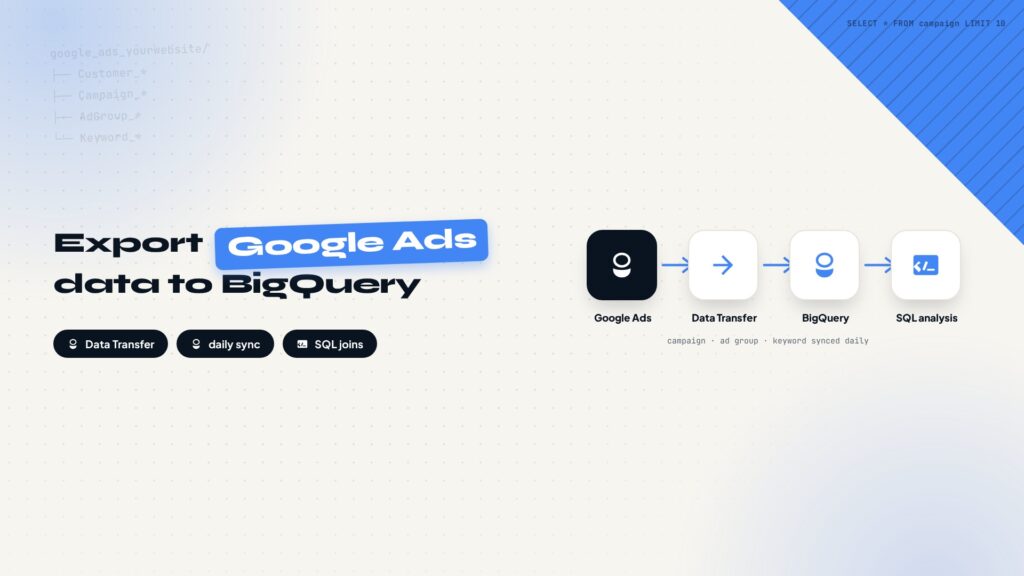
Google Ads reports are restrictive for long-term analysis. Exporting the data to BigQuery lets you join ad spend with search and behavior data using SQL. This guide covers confirming the API, creating the transfer, configuring schedule and a service account, and verifying the first run.
How to Export GA4 Data to BigQuery
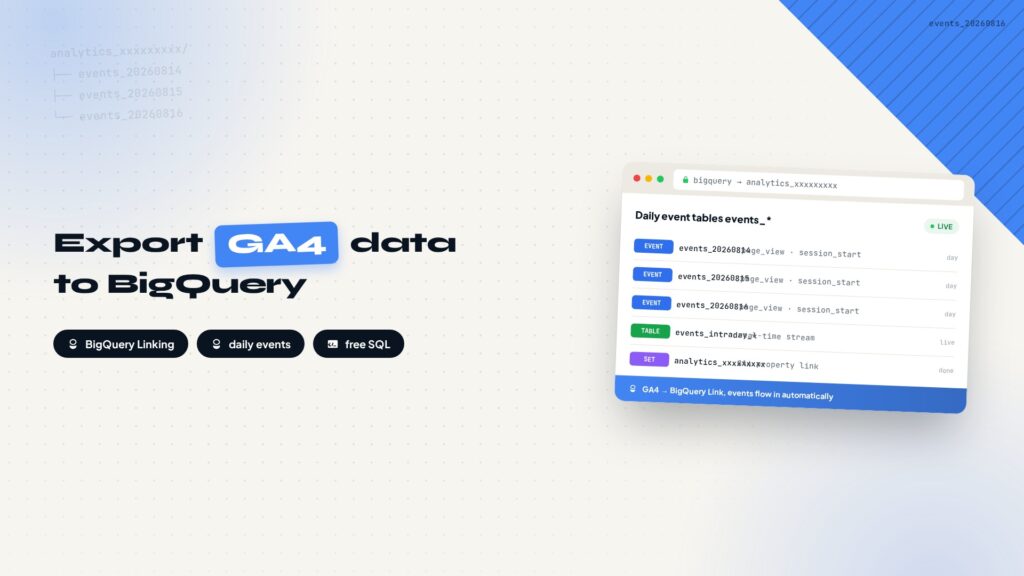
GA4 reports limit your analysis options. Exporting the data to BigQuery lets you query every event with SQL. This guide covers confirming the GA4 property, creating the BigQuery Link, choosing Daily export, and verifying that events_ tables arrive.
How to Export Google Search Console Data to BigQuery
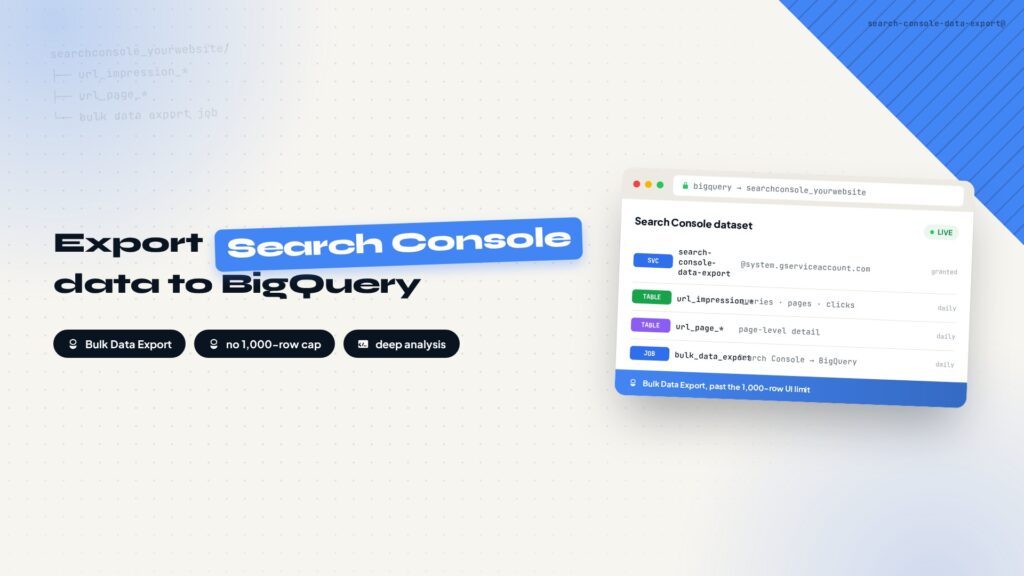
Search Console shows at most 1,000 rows and aggregates data beyond a point. Exporting it to BigQuery lets you run full SQL analysis. This guide covers creating a Cloud project, enabling APIs, creating a dataset, starting Bulk Data Export, and fixing the Missing permissions error.
How to Set up GA4 Data Stream for Your Website?
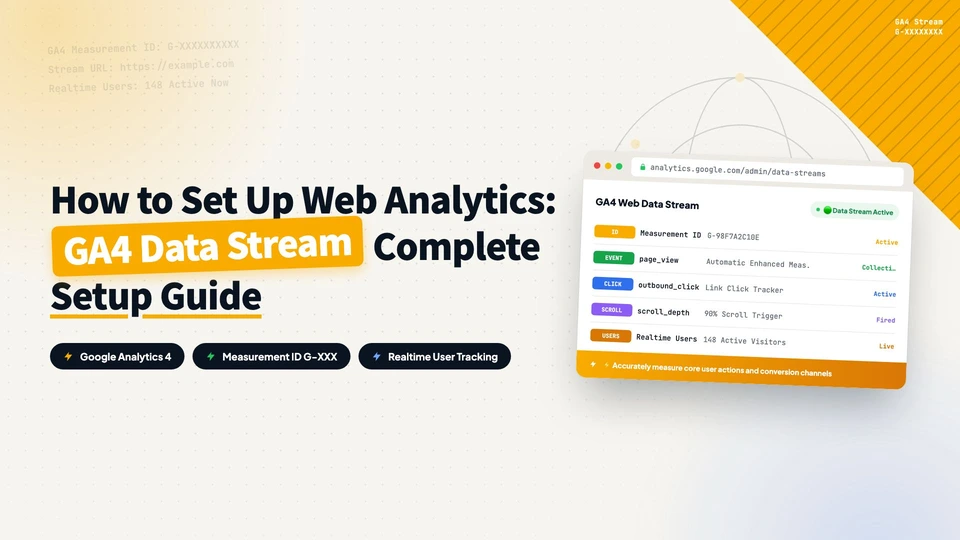
This article shows how to create a GA4 data stream for your website: from logging in to Google Analytics and creating an account and property, to choosing an industry and setting up the web data stream, in 11 steps with screenshots. Once done, your site starts collecting user behavior data.
How to Install Google Tag Manager on Your Website?
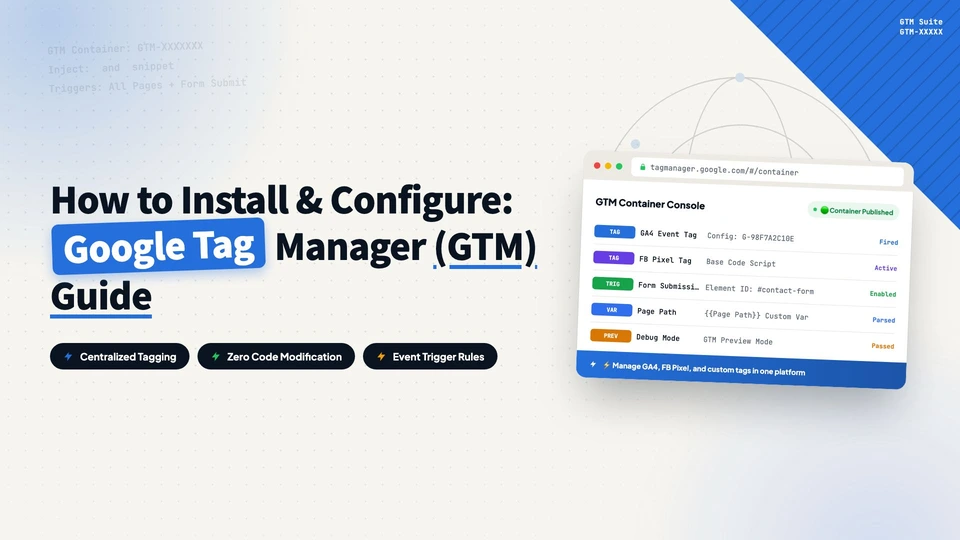
This article walks through installing and configuring Google Tag Manager: creating an account, adding the two code snippets to your site (with WPCode on WordPress), configuring the GA4 tag, verifying data with Tag Assistant, and submitting the configuration for publishing, in 27 steps with screenshots.
How to Find Keywords for SEO?
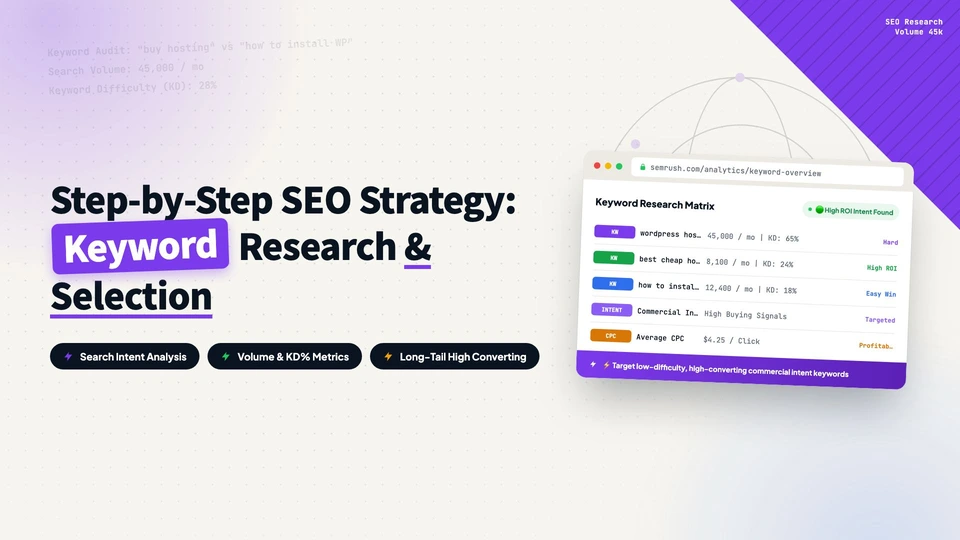
Using a cosmetics wholesale B2B site as the example, this article explains how to find SEO keywords through competitors: understanding the four keyword intents, searching for competitor keywords, analyzing traffic and keywords with SEMrush, filtering by KD and traffic, and exporting the list across more competitors.
How to Connect Your Website to Google Search Console and Submit a Sitemap?
This guide walks through connecting your website to Google Search Console and submitting a sitemap: preparing a Google account, adding your site, verifying domain ownership by adding a TXT record in Hostinger’s DNS Zone Editor, submitting the sitemap, and checking discovered pages. Every step includes a screenshot.