This article explains what IMAP, POP3, and SMTP do: which protocols receive email, which one sends it, and whether messages stay on the server or download to your device. It also includes an IMAP/SMTP server and port table for common providers, so you can copy the values when linking a mailbox.
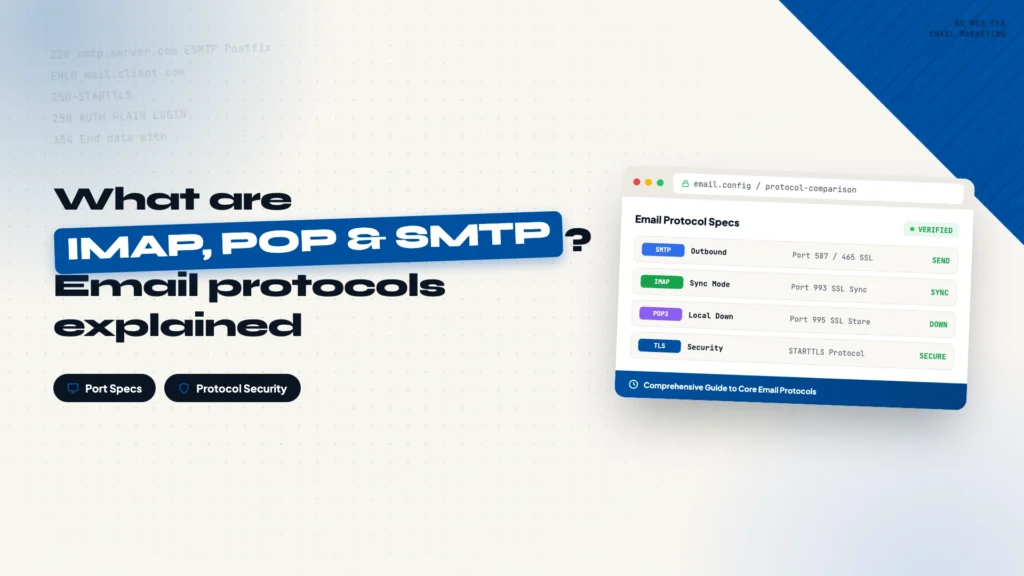
When you set up an email account, whether it’s a corporate mailbox, Gmail, or a tool like Apollo, you run into three abbreviations: IMAP, POP, and SMTP. They aren’t technical jargon. They’re the rules for receiving and sending mail: which protocol receives, which one sends, and where the mail ends up.
IMAP keeps email on the server
IMAP (Internet Message Access Protocol) is the receiving protocol. Its key trait: email stays on the server, and your phone, computer, and tablet all show synced copies of the same mailbox. Delete an email on your phone and it disappears on your computer too, because what you deleted lives on the server.
Modern services default to IMAP: Gmail, enterprise mailboxes, and Outlook all use it. It suits multi-device use and protects against local data loss. The trade-off is server storage: a small mailbox needs regular cleanup.
POP3 downloads email to your device
POP3 (Post Office Protocol v3) also receives mail, but the opposite way: messages download to your local device and the server copy is deleted by default (you can choose to keep it).
You save server space and can read downloaded mail offline. The cost is that devices don’t share state: an email read on your phone may never show up on your computer, and if the device dies without a backup, the mail is gone. It fits setups where one device manages the mailbox.
SMTP handles sending
Whether you receive with IMAP or POP3, sending always goes through one protocol: SMTP (Simple Mail Transfer Protocol). When you hit Send, SMTP carries the message from your computer to the recipient’s mail server.
Every email client and tool needs SMTP configured to send, and it requires account credentials. When you link a mailbox in Apollo, the SMTP host and port are required fields.
How to choose between them
Choosing between IMAP and POP3 comes down to how many devices you use. For sending, there’s no choice: SMTP.
| Protocol | Purpose | Working method | Stored on server? |
|---|---|---|---|
| IMAP | Receiving | Synced across devices | Yes |
| POP3 | Receiving | Downloaded to one device | No |
| SMTP | Sending | Delivered to recipient’s server | N/A |
When you need to fill in these settings
When you link a mailbox in Apollo or an email client, the fields you fill in manually are usually these: IMAP host and port (incoming server), SMTP host and port (outgoing server). The values differ by provider; here are the common ones:
| Mail provider | IMAP Host | SMTP Host | IMAP Port | SMTP Port |
|---|---|---|---|---|
| Alibaba Cloud | imap.qiye.aliyun.com | smtp.qiye.aliyun.com | 993 | 465 |
| Tencent Enterprise Mailbox | imap.exmail.qq.com | smtp.exmail.qq.com | 993 | 465 / 587 |
| Gmail | imap.gmail.com | smtp.gmail.com | 993 | 465 / 587 |
| Outlook | outlook.office365.com | smtp.office365.com | 993 | 587 |
Check your provider’s official config page for the exact values and fill them in. Before you start bulk sending, also set up the SPF, DKIM, and DMARC authentication records, otherwise your mail is more likely to hit the spam folder. See this guide on SPF, DKIM, and DMARC.
Three sentences to remember the protocols
- IMAP receives email, keeps it on the server, and syncs across devices
- POP3 receives email, downloads it locally, and reads it on one device
- SMTP sends email, and every message relies on it
Once you understand the division of labor, fields like IMAP Host and SMTP Port won’t confuse you when you link a mailbox.
every Thursday.
Hosting reviews, builder comparisons, performance tips, and plugin picks — curated weekly for WordPress site owners and builders.