Social Platform Multi-Account Network Isolation Solution
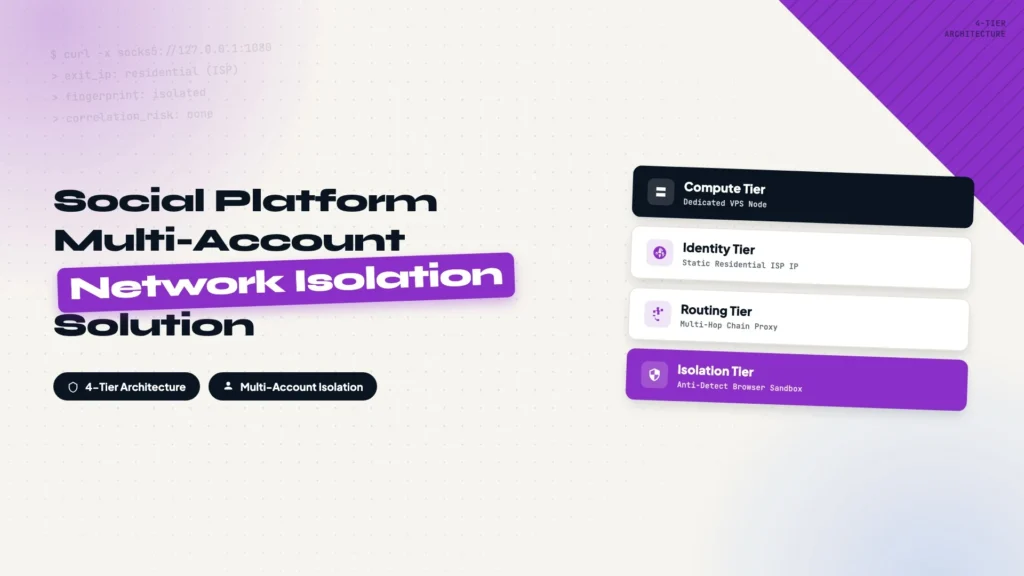
Running multiple accounts across international social platforms means shared network fingerprints get correlated and flagged together. This four-tier architecture — a dedicated VPS node, a static residential ISP IP, a multi-hop chain proxy, and an anti-detect browser — gives every account its own isolated network identity. Start here before the four build guides.
How to Log Into Multiple Social Media Accounts From One Device With AdsPower
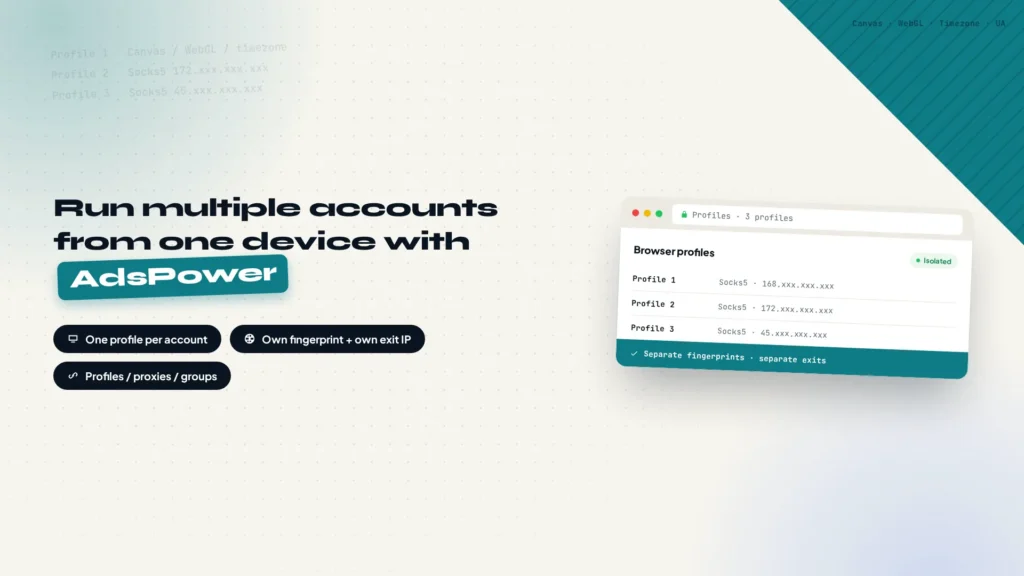
Logging into several accounts on the same platform from one device is routine, and swapping proxies is not enough, because the browser fingerprint stays identical and the accounts still get linked. This walkthrough sets up one AdsPower profile per account: sign up, click New profile, point the Proxy tab at a dedicated residential exit, then open the profile and check its fingerprint values.
How to Set Up a Chain Proxy on Desktop and Mobile
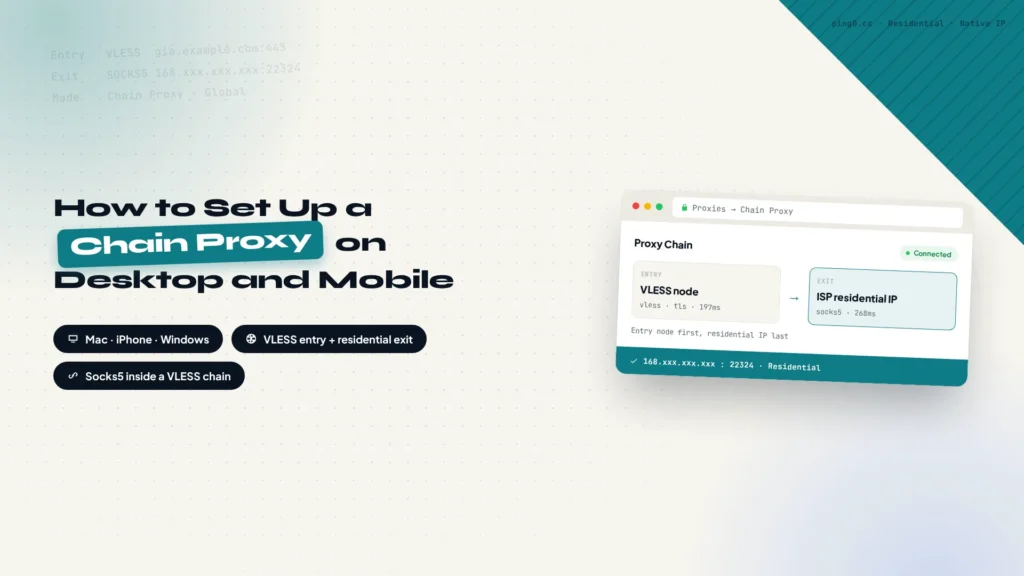
Buying the residential IP is only half of it, it still has to be wired into a client. This walkthrough chains an entry node and an ISP residential IP together: Shadowrocket on iPhone and Mac for the Socks5 credentials and the exit check, then Clash Verge Rev on Windows, where the node becomes a YAML profile, the ISP node is added by hand and Chain Proxy links the two in order.
How to Buy a Fixed ISP Residential IP From IPRoyal
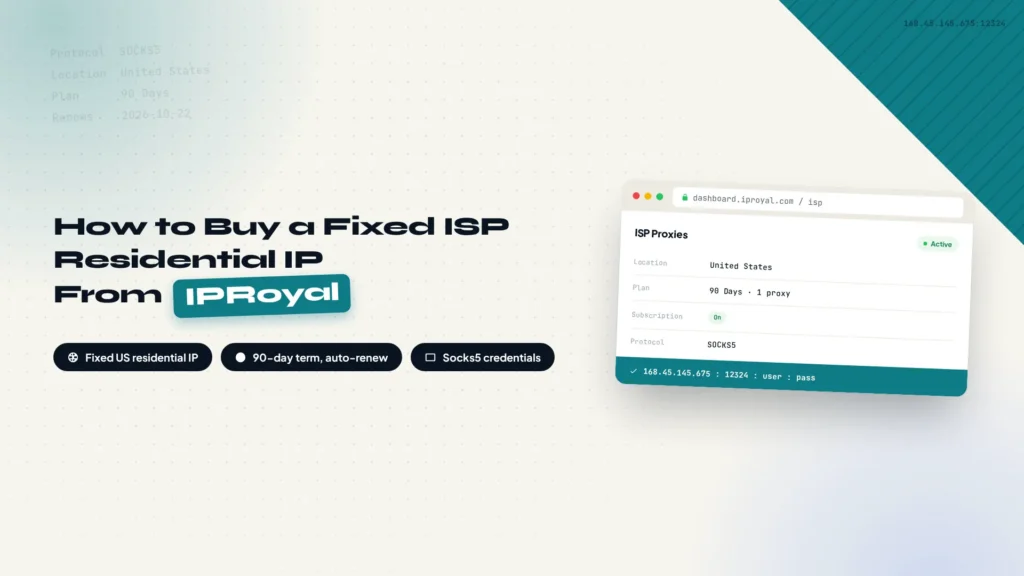
A fixed residential IP is the foundation for running social accounts long term. This walkthrough covers buying an ISP residential IP from IPRoyal: signing up, creating the order, choosing 1 proxy on a 90-day US plan, turning on the subscription so the IP stays yours, and saving the Socks5 credentials for the client.
How to Build Your Own Dedicated Proxy Server With AI Agents
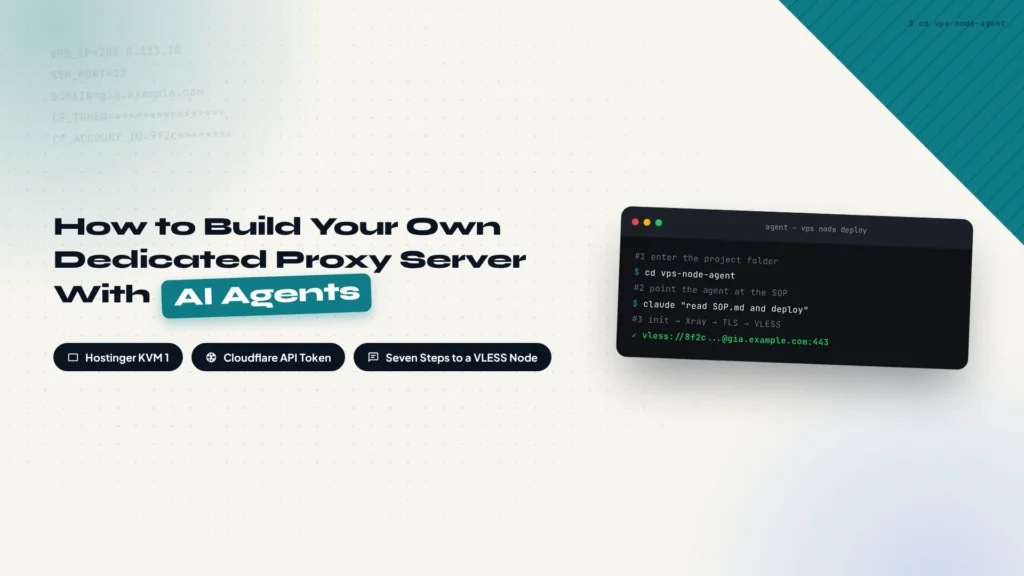
Setting up your own proxy server usually means a long list of server commands. This walkthrough hands that list to AI agents instead: buy a Hostinger VPS, point a Cloudflare subdomain at it, put your credentials in .env and the deployment steps in SOP.md, and let the agents handle Xray, TLS and the VLESS inbound. Seven steps from purchase to a working server.
Finding YouTube creators to work with takes forever. I’m building my own automated pipeline
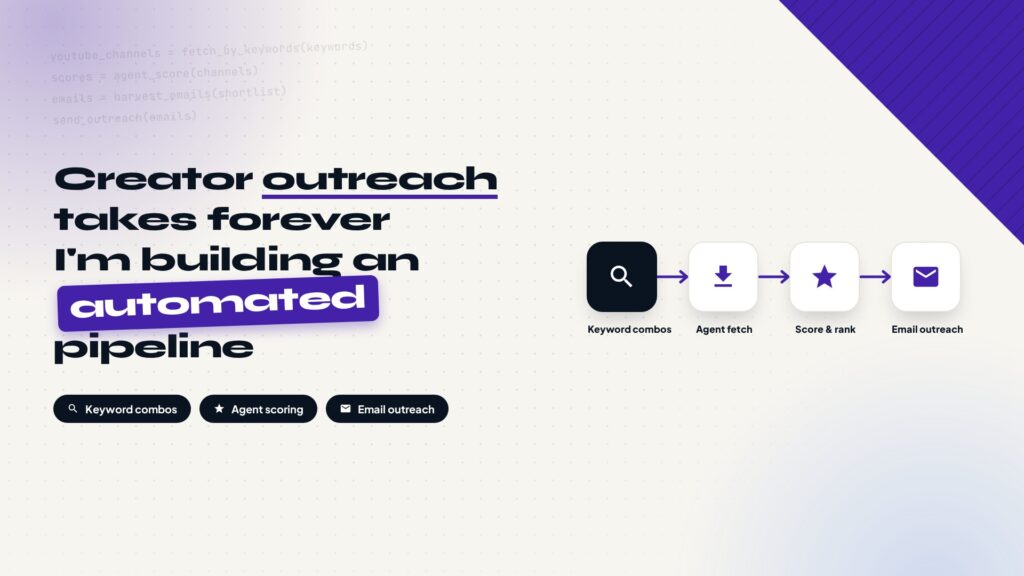
Finding YouTube creators to work with manually is slow and inconsistent. This post lays out a self-built automation pipeline: combine keywords with scenario verbs to search channels, batch-fetch them through the YouTube API, score and rank creators with your own metrics, dig out emails from channel info and websites, reach out one by one with an email prospecting system, and hand replies to a human for negotiation.
How to Set Up Proxy for Global Social Media Platforms
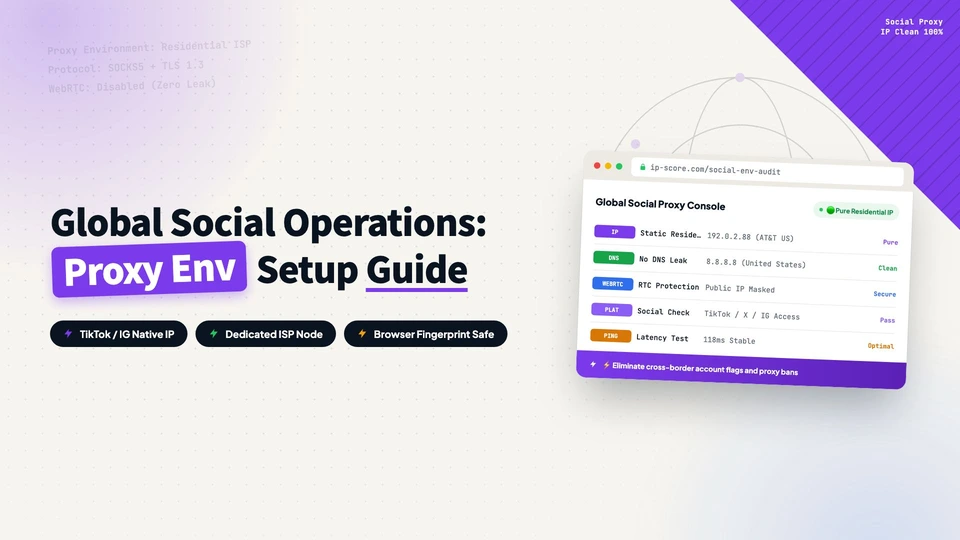
TikTok, Facebook, or Instagram operations keep hitting slow speeds and bans? This guide covers the dual-hop setup: a CN2 GIA entry node plus a local ISP residential exit IP, with Shadowrocket and Xray configuration, step by step.
Bandwagon CN2 Gia Vps Setting Guideline
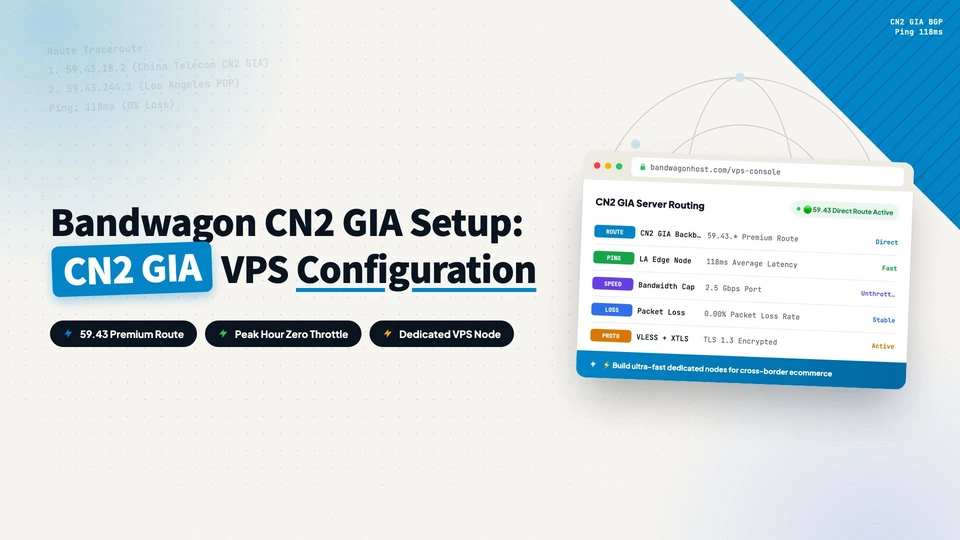
A must-read for cross-border e-commerce and foreign trade: build a dedicated high-speed overseas node with a CN2 GIA VPS. From purchasing the VPS, KiwiVM console, FinalShell connection, domain SSL, Xray panel to BBR acceleration, seven steps with full screenshots.